Published on
Written by
Dekodi Team
A roofer sits down on Monday morning, opens the ad dashboard, and sees plenty of clicks. The office phone has barely rung. The dashboard says people noticed the ads, but it doesn't say whether those people needed work you do, lived in your service area, or booked an inspection.
That's frustrating, especially when nobody explained what the numbers were supposed to mean. The account may have been set up in a rush, or the people handling it may not have connected ad activity to completed jobs. That isn't a reason to blame yourself. It's a reason to ask for a clearer scoreboard.
Pay-per-click (PPC) means you pay when someone clicks an ad shown alongside search results. But the click is only the start. The useful question is whether that click led to a qualified call, a booked inspection, and a signed job that made money.
PPC for roofers works best when you can follow that path, understand how Google decides which ads to show, and set spending limits based on what jobs are worth to your business. You'll also want to separate the different kinds of work you advertise, check that calls are answered, and choose tools or help that keep the numbers connected. If trust is part of the problem too, review your online reputation and customer feedback.
By the end, you'll have a practical map for judging your ads and a task you can do this week on your own. Whether you manage the campaigns yourself or ask someone to help, the goal is the same: know which advertising is producing work, not just activity.
Table of Contents
How the Ad Auction Decides Who Sees Your Ad

Google runs an auction when someone searches. It doesn't give the top spot to whichever roofer is willing to spend the most. The maximum bid matters, but so do the ad and landing-page quality, the ad assets, the auction's eligibility thresholds, the competition, and the context of the search. Google's explanation of how ads enter the auction lays out these factors.
The context includes the searcher's location, device, time of day, and exact query. A homeowner looking for emergency leak repair on a phone is different from someone researching a full replacement at home. Google uses the maximum bid as a ceiling for what you're willing to pay per click. The actual amount charged can be lower.
Quality Score is a diagnostic estimate on a scale of 1 to 10. It reflects expected click-through rate, ad relevance, and landing-page experience. Google says Quality Score is not itself used directly at auction time. Think of it as a troubleshooting signal, not a lever that guarantees a better position.
Match the promise to the page
Say you run an ad for “Emergency Roof Leak Repair.” If the click lands on a general homepage where the visitor has to hunt for emergency service details, the promise and page don't line up. A page that immediately explains what emergency help you offer, where you serve, and how to call gives the visitor a clearer next step.
That match can affect visibility and what you pay, not just how many dollars you put in the daily budget. A high bid may bring a weak campaign into the auction, but it can't make an irrelevant page useful to a homeowner.
Practical rule: Write the ad for a specific job, then send the click to a page that answers that job's immediate questions.
The auction is automated, but the work of setting up a useful campaign isn't hands-off. You choose the service, write the message, build the page, and decide where and when the ad should appear. That's why campaign structure and page experience deserve attention alongside bids.
Here's a brief visual breakdown of the process.
Targeting the Roofing Jobs You Actually Want
A campaign that treats every roofing inquiry as the same kind of job makes it harder to control spending and judge results. An emergency repair, planned replacement, storm-damage inspection, commercial project, and branded search all have different urgency, margins, and customer expectations. Separate them so the ad, landing page, and scoreboard can reflect what you're trying to book.
Start with the work your crew can take on. If you want emergency repair calls, give that service its own campaign. The ad should name the problem, and the page should make it easy to call about that problem. Replacement searches need a different message. Commercial jobs belong in a separate group, too, because the buyer and sales process aren't the same as a homeowner's repair.
Make location and timing fit the crew
Google considers location, device, time, and search terms when deciding whether an ad appears. Use those controls to fit the campaign to your actual service area and operating hours. Targeting a whole state when crews only cover nearby towns can buy calls you can't serve. Travel time, fuel, storm concentration, and crew capacity all affect whether a lead is worth pursuing.
Ad schedules matter for the same reason. If no one can answer calls during certain hours, think carefully before paying for clicks then. A lower number of answered, serviceable calls can be more useful than a higher volume of inquiries that arrive when no one is available.
Negative keywords tell the platform which searches should not trigger your ad. Exclude searches for DIY instructions, roofing jobs, or places your team doesn't serve. Check the actual search terms regularly; otherwise, irrelevant searches can keep using budget without bringing in work.
For a second perspective on campaign setup and measurement, you can check home services Google Ads performance. And if you're refining the search phrases your campaigns target, this guide to finding local keywords for your service area can help you think through the language homeowners use.
A simple crew-side test: if the ad wouldn't make sense to the person answering the call, tighten the targeting.
Setting a Budget From What Each Job Is Worth
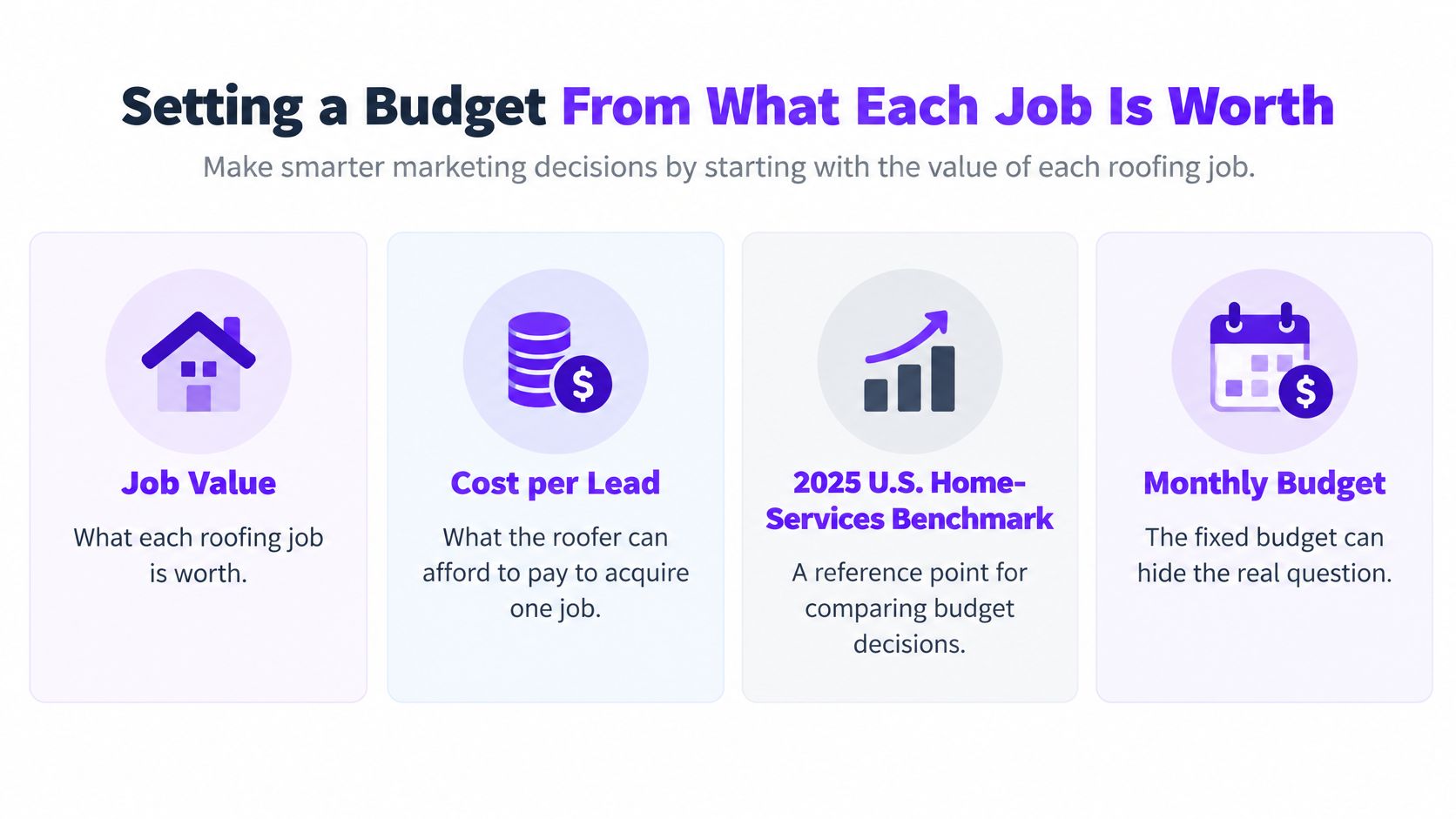
A monthly budget tells you how much you spent. It won't tell you whether the spend was worth it. The question that matters is how much you can pay to win one job and still leave enough gross profit to run the rest of the business, and that answer comes from your margins and your close rates.
For outside context, BlueGrid Media's Google Ads statistics for contractors, a 2025 roundup covering 3,211 search-ad campaigns, reported an average cost per lead of $90.92 across the listed trades, with roofing at $228.15 per lead, the highest figure in the comparison, and average roofing conversion near 3.70% against 7.33% for home services overall. Use those numbers as rough context only. Campaign definitions and tracking methods vary, the data is U.S.-focused, and your own cost per signed job is the figure that decides what you can spend.
Work backward from gross profit
Start with the gross profit a sold job leaves behind after labor and materials. Contract value overstates what a click is worth. From there, discount that profit by how many leads turn into work:
Allowable cost per qualified lead = expected gross profit per sold job × close rate × the share of qualified leads that book and show up.
Say a replacement leaves $4,000 in gross profit and, counting no-shows, one in five qualified leads becomes a signed job. Your ceiling lands near $800 per qualified lead, before you subtract answering services, software, or agency fees. A repair job with much thinner margin supports far less, so one blended target will either starve your replacement campaigns or overpay for small tickets.
Fill the formula in from your own closed-job records. It gives you a starting ceiling, and your real numbers will sharpen it fast.
A repair lead, an inspection request, and a full replacement should not carry the same acquisition target. A cheap lead that never picks up your follow-up call can cost you more than a pricey one that books a profitable roof. If you want a framework to set CPA targets using lead value, tie each target to the job type behind the click instead of a single account-wide average.
Benchmarks give you a yardstick. Your service mix, crew capacity, and margins decide the actual budget, so compare the reference figures against your own inquiries, signed contracts, and job costs before you commit spend. This guide to planning paid advertising across channels can help you keep each channel's share of that budget in view.
Tracking Leads All the Way to a Signed Job
A roofing ad can bring in a call, but the platform may not know whether that caller booked an inspection or signed a contract. Connect each inquiry to its outcome so you can judge which campaigns bring profitable booked jobs, not just cheap leads.
Track a clear path: qualified lead → inspection booked → estimate accepted → job won. Record job type and revenue when available. A repair and a replacement have different value, even if each starts with one call. If your ad platform accepts offline conversion events, send back qualified milestones such as booked inspections and signed jobs. That gives its bidding system better signals than form submissions alone.
Track calls and page experience
Call tracking should show whether someone answered, how long the call lasted, what service the caller wanted, and how the call ended. Mark vendors, wrong numbers, duplicate inquiries, and calls that did not become real opportunities. Leaving them counted as leads can distort campaign results.
The landing page should match the ad and make the next step clear. Name the service area, include relevant licensing or warranty details, and add a click-to-call option for mobile visitors. Assign someone to answer and follow up. A missed call cannot become a booked job.
Search ads and Local Services Ads need separate scoreboards. Search ads charge for clicks, while Local Services Ads generally charge for eligible leads, such as calls or messages. Their costs and reported results are not directly comparable. The roofing figures in this guide to roofing lead-generation benchmarks and channel differences should be treated as context, not a forecast for your account.
How Roofing Search and Local Services Leads Differ
Channel | How You Pay | Lead-to-Job Consideration | Control Metric |
|---|---|---|---|
Standard Google Search | Per click | The share of leads that become signed jobs varies by market, service mix, and follow-up | Cost per qualified lead, booked inspection, and signed job |
Local Services Ads | Per eligible lead | The share of leads that become signed jobs depends on lead quality, profile, and follow-up | Cost per eligible lead, booked inspection, and signed job |
Use cost per qualified lead to spot weak targeting, cost per booked inspection to check follow-through, and customer-acquisition cost to judge the expense of a signed job. Review those figures alongside job value and margin. A high call count means little until you know which calls turned into profitable work.
Choosing Between Tools, Vendors, and One Connected Partner
You can run a straightforward campaign yourself. You can also hire separate people for ads, calls, landing pages, and reporting, or ask a larger agency to handle the work. Each route can make sense. The trade-off is how much attention you have to spend coordinating it, and whether everyone is looking at the same outcome.
Compare the work, not just the fee
Approach | Attention required | Follow-through | Scoreboard clarity |
|---|---|---|---|
DIY with separate tools | You manage the setup and connections | Depends on your time and process | Clear if you maintain one record of leads and jobs |
One-off vendors | You coordinate handoffs | Each vendor may handle only one piece | Can be fragmented across reports |
Big agencies | Less direct platform work for you | Depends on scope and communication | Ask how calls connect to booked and won jobs |
One connected partner | Shared planning and delivery | One process can carry the work forward | Easier to align spending, lead quality, and outcomes |
The Patchwork Tax is what fragmented marketing costs beyond the invoices. It's too many choices, tools you pay for but barely use, time lost switching between apps, uncertainty about what's working, and leads that go cold between handoffs.
There are 15,384 marketing tools on the market, according to chiefmartec, 2025. That's a lot of choice before you've even picked the tools you'll use. More options get attention. Clear options get decisions.
A simple setup may be enough if you can keep the ads focused, answer calls, record what happens to each lead, and check the results regularly. It may be time to get help when calls come from the wrong places, reporting stops at clicks, or you're paying for disconnected pieces without knowing what they produce.
The right partner should make the investment clear before anything launches, including services, software, and ad spend. Ask who owns call tracking, how job outcomes reach the reporting, and what gets changed when a campaign attracts unqualified leads. A lower coordination burden only matters if the work still ties back to booked and profitable jobs.
Your Next Step This Week and a Free Walkthrough
You don't need to rebuild the whole account to find out whether the ads are buying work or buying clicks. This week, export the last 30 days of ad data. List the campaigns that produced calls, then write next to each one how many calls it generated and how many became booked inspections.

A quick account check
Use the same sheet to note what's happening before you change bids or add another tool.
Confirm the service area: Check whether each campaign targets places your crews serve.
Match the business details: Compare the campaign's phone number and business information with your Google Business Profile.
Count unanswered calls: Record how many callers didn't reach anyone, so you can separate ad performance from missed opportunities.
Mark booked inspections: Note which calls led to an appointment, rather than counting every call as a successful lead.
The numbers won't tell you everything at once. But they can show where to look. If calls come from outside your service area, tighten location targeting. If suitable callers aren't booking inspections, review the offer, page, and follow-up. If inspections book but jobs don't close, compare lead types and estimates against the work you want to win.
Your first useful improvement may not be a new campaign. It may be seeing which existing calls become real opportunities.
Good reporting makes the next decision easier. You can see which campaign needs a change, which calls need faster follow-up, and where the budget is supporting work that fits your crews. Keep the process simple enough to maintain, and update the record as calls and jobs move forward.
Dekodi ties budget, tracking, and performance monitoring to one scoreboard. For a free 30-minute walkthrough, visit schedule.dekodigroup.com. You'll leave with a clear map either way, with no pressure to work together.
Dekodi brings strategy, funding, and marketing into one connected plan, so your roofing ad spend can be measured against booked work. Visit Dekodi to see how we help businesses Be Found, Be Trusted, and Be Chosen.