Published on
Written by
Dekodi Team
You've created the pages. Added the logo. Uploaded a few photos between answering calls and getting actual work done. Then you check your phone and wonder why inquiries are still so inconsistent.
There's nothing wrong with wanting free visibility. But a pile of free listings can look busy while your holiday hours are wrong, a customer's message goes unanswered, and nobody can tell which page produced the last booking. You have the listings. Now make them work.
These 10 free advertising sites serve different jobs. Map listings help you be found. Reviews and useful posts help you be trusted. Clear contact details and prompt replies help you be chosen. Our recommendation is to connect those jobs around one outcome: knowing where your customers come from.
Free also needs a little translation. A free business profile isn't a free paid-ad campaign. Posting without paying doesn't guarantee anyone will see it. And maintaining another account still costs your time.
This week, choose two or three sites that match how your customers buy. Create a shared document with your business name, contact details, hours, services, website, and approved photos. Use it to complete those profiles before publishing anything else.
More options get attention. Clear options get decisions.
Table of Contents
1. Google Business Profile
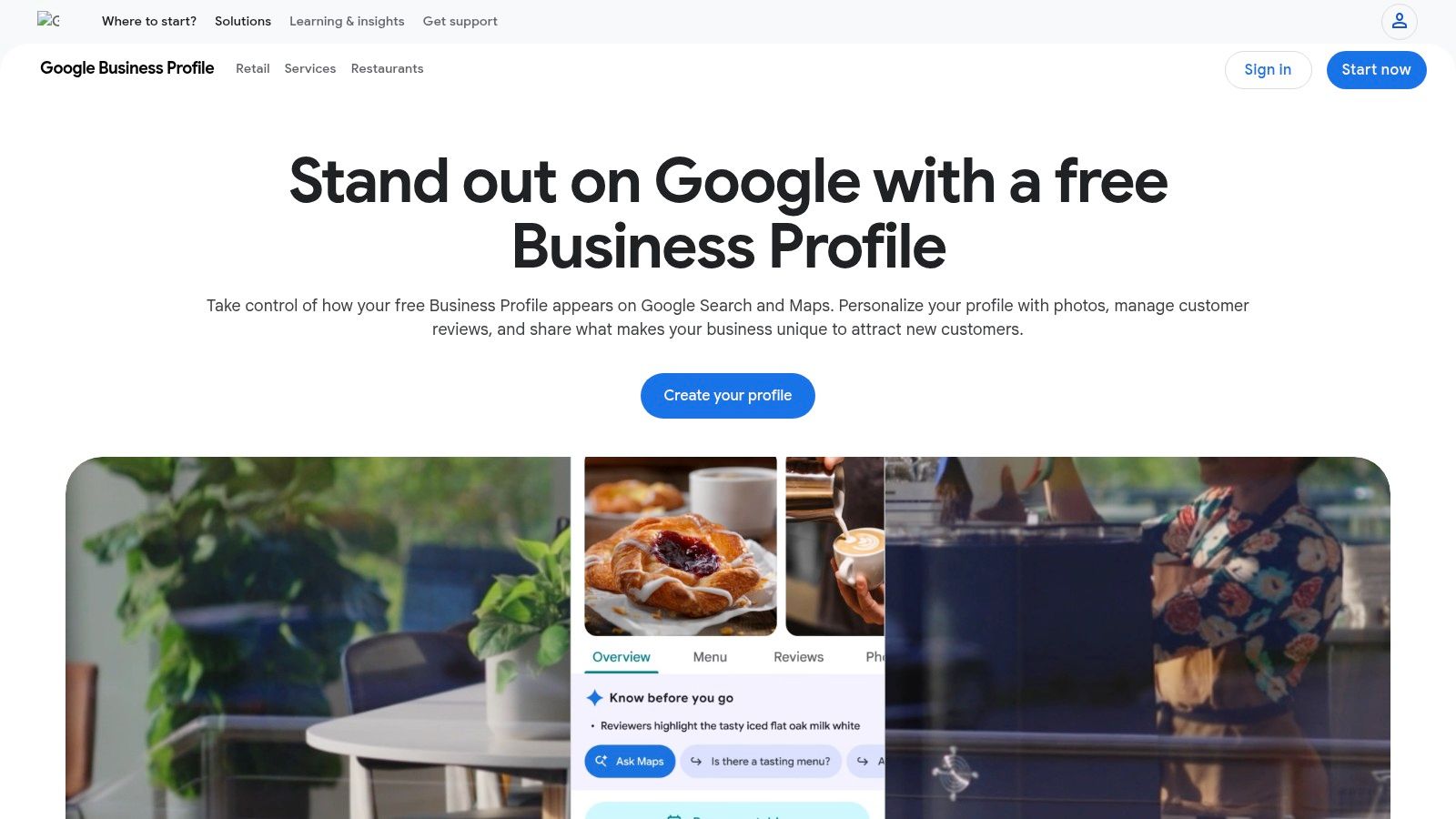
Start here if you're an eligible local business. Google Business Profile lets you manage business details, hours, services, and photos across Google Search and Maps. Think of it as your digital storefront on Google Maps, not a replacement for your website.
A customer looking for your service needs useful answers quickly. Are you open? Do you serve their area? Can they call, book, or order? Available options depend on your business and setup.
Give It a Clear Job
Use this profile to turn local discovery into a measurable inquiry. Review the available interaction data, then compare calls, website visits, and bookings with your customer list.
Free features: Creating or claiming an eligible profile, updating information, managing reviews, and viewing available insights.
Main advantage: Customers can find essential details while searching for a business or category.
Main trade-off: Verification and eligibility requirements apply. Creating a profile doesn't guarantee prominent placement or inquiries.
Keep the profile accurate and ask for genuine feedback. Google's profile content rules prohibit incentives for posting, changing, or removing reviews, and noncompliant content can lead to restrictions.
Before adding more promotion, run a web reputation check. Fix conflicting hours, broken website links, and unanswered feedback first. More attention won't fix an incorrect phone number.
2. Bing Places for Business
Your Google profile is current. Good. Extend that same accurate information to Bing instead of creating another content project.
Bing Places for Business offers a free listing where you can add or claim your business, update contact information, and include photos, hours, and service details. Bulk upload tools also support businesses managing multiple locations.
Its job is straightforward: help customers using Bing find the correct business information. Don't judge it by whether it generates the same activity as another platform. Judge it by the relevant inquiries it contributes and the effort required to keep it accurate.
Extend Coverage Without Doubling the Work
Verification options can include phone, email, or business address, depending on the listing. Be ready to provide a valid business address when required, even when that address won't appear publicly.
Best use: Additional map-search coverage using business details you've already prepared.
Free versus paid: The business listing is free. Don't confuse listing management with buying search advertising.
Maintenance cost: Another profile needs an owner, login access, and updates when your business changes.
For multiple locations, keep a separate approved record for each branch. Don't paste the main office's hours or phone number into every listing because it's faster.
Our recommendation: claim and complete Bing once your primary local profile is sound. Then include it in your regular information review. Use it as a maintained directory listing, not another place where you feel obliged to publish constantly.
3. Apple Business Connect

A customer asks Siri for directions, then checks your hours in Apple Maps. That isn't the moment you want them finding last season's schedule.
Apple Business Connect is a free platform for managing how your business appears across Apple services, including Apple Maps and Siri. Place-card details, photos, and holiday hours help you present useful information where those customers already look.
Make Arrival and Contact Easy
Depending on your business type, location, and setup, you can also use showcases for offers, events, or products, along with available custom actions. Review the interaction insights to understand what customers do with your place card.
The strongest use is practical, not flashy. Show the right entrance, current hours, recognizable branding, and a clear next step. A promotional showcase is less helpful when customers can't tell whether they're heading to the correct building.
Treat map listings like signs on your door. When the information changes, update every sign.
The benefit is a free presence across relevant Apple services. The limitation is that its usefulness depends on your customers' use of those services, and some features require an eligible setup.
Use the same approved business details you maintain elsewhere. Assign someone to update seasonal hours and review customer-facing information. Add Apple Business Connect for coverage, then maintain it through the same process as your other map listings.
4. Yelp for Business
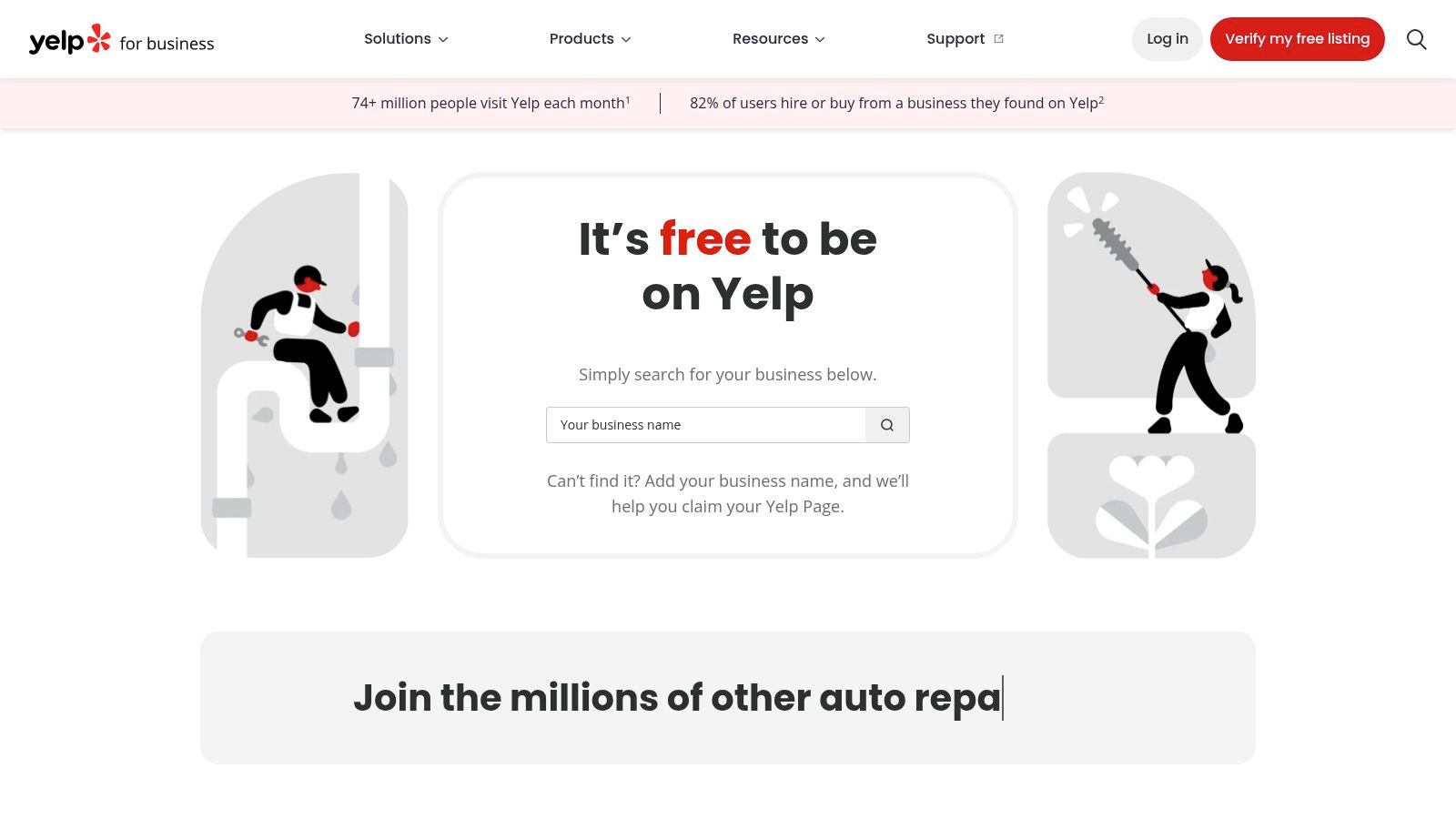
Claim the page before deciding whether you need advertising. Yelp for Business lets owners manage a free business page, update information, add photos, and engage through reviews and available messaging features.
Its role sits between being found and being trusted. Someone may discover you through a category search, or check your page after hearing your name elsewhere. In either case, they need evidence that you're a real, responsive business.
Free foundation: Business information, photos, specialties, review responses, and available messaging or quote-request features.
Paid extras: Advertising is separate. Claiming your page doesn't require buying ads.
Control limits: You don't control Yelp's review and recommendation systems.
Manage Trust, Not Just the Profile
Use accurate specialties and photos that help someone understand your work. Answer messages only through a process you can maintain, and keep public review responses professional.
The value varies by category and location. Ask customers where they checked you out, and compare Yelp inquiries with actual bookings before committing more effort or money.
Our practical approach to reputation management starts with consistency and customer experience, not a polished reply pasted under every complaint. Address the issue without exposing customer information or turning the response into an advertisement.
Choose Yelp when your customers use it to compare businesses. Keep the free page accurate even if you decide paid advertising isn't a fit.
5. Nextdoor Business Page
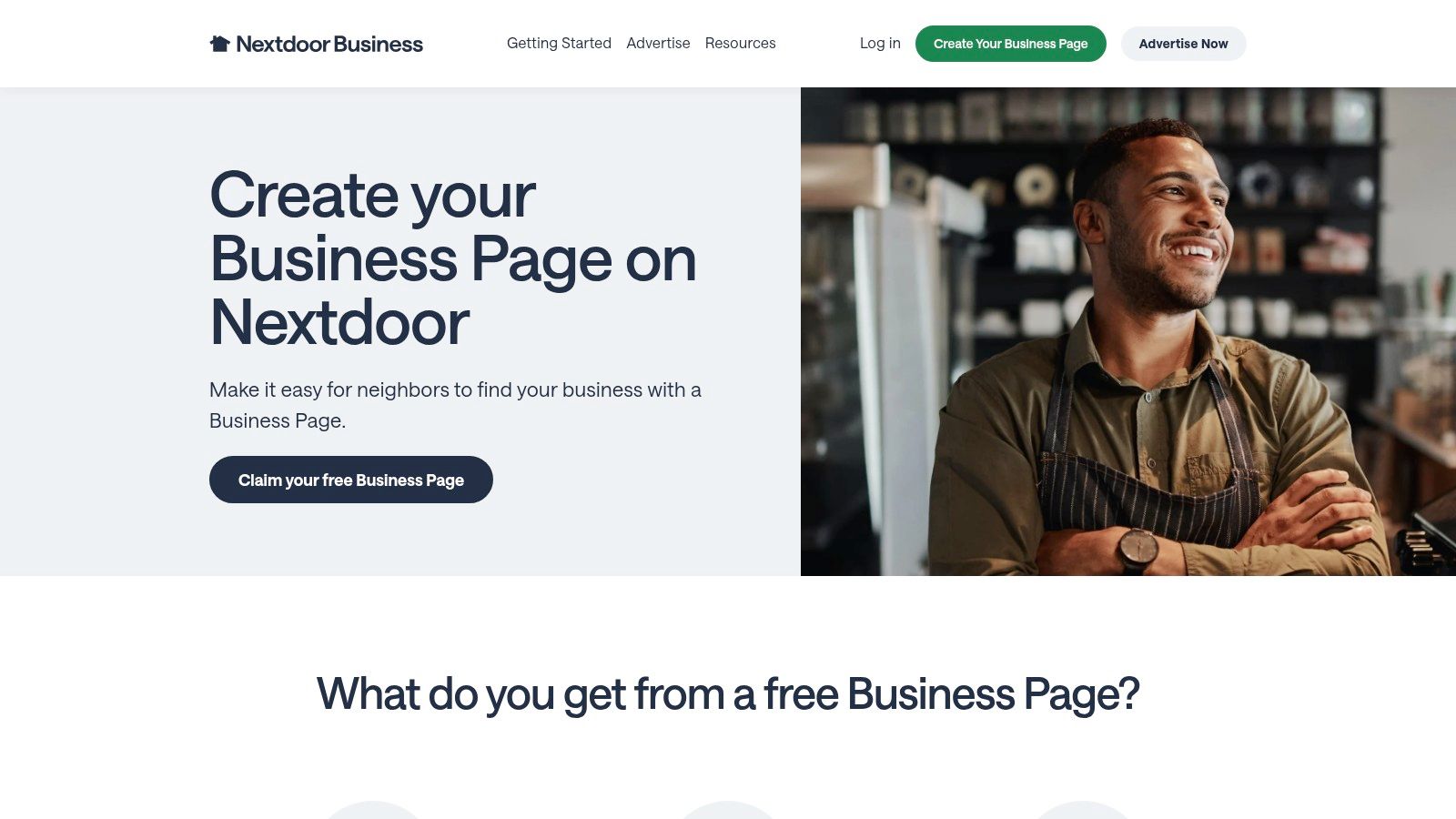
For a geographically focused business, a neighborhood conversation can be more relevant than a broad social audience. Choose Nextdoor when nearby residents are the people you need to reach.
A Nextdoor Business Page provides a free local profile with contact details, posting options, neighbor recommendations, and direct messages. Home-service businesses and other neighborhood-based operators should evaluate it around their actual service area.
Be Useful to the Neighborhood
Share advice that helps residents make a decision. A seasonal maintenance explanation, an update about availability, or a clear description of your service area gives someone a reason to pay attention without another generic promotion.
Some providers may need official documents to verify their business before posting to the neighborhood newsfeed. Complete that step properly rather than assuming a claimed page gives immediate access to every feature.
The trade-offs are simple:
Local fit: The platform's usefulness depends on neighborhood adoption in your area.
Free access: A business page and free posting options are available.
Paid visibility: Advertising is separate from maintaining the free page.
Recommendations can support trust, but messages still need an assigned responder. If an inquiry sits unnoticed because everyone assumes someone else checks the account, the page isn't doing its job.
Keep your contact method business-controlled. Verify inquiries before sharing sensitive details, and record whether conversations become suitable quote requests or bookings. Neighborhood visibility is useful only when it reaches people you can serve.
6. Facebook Business Page
A customer remembers your name but isn't ready to book. A current Facebook page gives them somewhere to check your work, read updates, and ask a question.
Create a Facebook Business Page for a free business presence with organic posts, photos, events, contact information, comments, and messages. Organic means you haven't paid to distribute the post. It doesn't mean every follower or potential customer will see it.
Use It for Familiarity and Follow-Up
Publish information customers can use: changes to hours, upcoming events, finished work you have permission to share, and answers to common buying questions. Available business tools support content management, messaging, and page insights.
Best fit: Businesses whose customers already use Facebook and want ongoing updates.
Main advantage: Business information, social proof, events, and conversations can sit together.
Main cost: Someone must create useful posts and monitor comments and messages.
Paid advertising is a separate decision. Our guide to advertising on a Facebook page helps distinguish maintaining the page from paying for distribution.
Don't boost a post just because its view count looks disappointing. First decide what you want the customer to do and whether the post gives them a clear reason to do it.
Judge the page by useful conversations and booked outcomes, not posting volume. If messages generate good inquiries, protect the time needed to answer them.
7. Instagram Business Profile
Show the work when seeing the work helps someone buy. That's the strongest reason to use an Instagram Business Profile.
A restaurant can show a dish. A shop can demonstrate a product. A contractor can explain a completed project, with the customer's permission. Photos, short videos, Stories, and Reels give you different ways to answer questions visually.
Comments, direct messages, contact options, and business account insights support the conversation around that content. Setup and organic posting are free; paid promotions are optional.
Give the Content a Buying Purpose
Don't open another account because someone says you should be there. Choose Instagram when you have useful visual material and enough time to manage the response.
Build trust: Show actual products, projects, people, and processes.
Make contact easy: Keep business details current and give customers a clear next step.
Respect the workload: Producing content and answering messages take time, even without an advertising bill.
The limitation is predictability. Organic visibility varies, and a post isn't guaranteed to reach followers or potential customers. Instagram also isn't a substitute for accurate map listings when someone is searching for a nearby service.
A useful project explanation beats a beautiful post that leaves customers wondering what you actually sell.
Track saves, relevant questions, direct messages, and resulting inquiries. Keep Instagram when it helps customers understand and choose your work, not merely when it gives you something else to publish.
8. LinkedIn Company Page
If your buyer is an office manager, procurement lead, or business owner, a professional company presence deserves attention. If your buyer wants lunch nearby, start with maps instead.
A LinkedIn Company Page provides a free place for company information, expertise, announcements, and organic updates. Use it for business-to-business visibility and credibility, not as a promise of leads.
Help a Professional Buyer Evaluate You
Publish content that answers practical buying questions. Explain the scope of a service, describe how an engagement works, or clarify what a buyer should prepare before requesting a proposal.
Company news has a place, but it shouldn't be the entire page. A prospective buyer needs to understand what you do and whether you're suited to their needs.
Free features: Company profile information, organic posts, followers, and audience engagement.
Paid options: Sponsored posts and advertising require a separate budget.
Trade-off: Keeping the page active requires useful material and attention to responses.
Compared with consumer-facing map and review listings, LinkedIn usually serves a different moment. Someone may be checking your organization after an introduction rather than searching for a nearby storefront.
Connect the page to a relevant website page and a monitored contact route. Measure suitable business inquiries and meaningful conversations. A professional audience is only valuable when it includes the people involved in buying what you sell.
9. Yellow Pages
Treat Yellow Pages as a directory, not another social calendar. For a U.S. business, a correct basic listing provides another place for customers to verify your contact and service information.
Yellow Pages offers a free basic listing claim and management option. Enhanced profile elements and advertising can cost extra, so check what's included before agreeing to an upgrade.
Keep the Free Listing Simple
Start with your name, address where appropriate, phone number, website, and service information. Make those details match the approved record you use for your other listings.
Photos, offers, credentials, and other enhancements may sit outside the basic free package. Don't assume a feature shown during setup is included just because claiming the listing costs nothing.
Best use: Additional directory coverage where customers already use the service.
Main advantage: A place to maintain accurate business information without committing to advertising.
Main limitation: Referral volume and visibility vary by category and market.
Our recommendation is to claim and correct the listing, then review the inquiries it produces. Don't buy an upgrade to make the page feel finished.
If you're already maintaining too many accounts, prioritize correcting inaccurate information over expanding the profile. Directory coverage should support your plan, not become a separate project with its own sales calls, passwords, and unexplained expenses. Keep access documented so the listing remains manageable when staff responsibilities change.
10. Craigslist

Check the category fee before writing the ad. Craigslist belongs on this list with a warning: it isn't universally free for business advertising.
According to Craigslist's official posting fee schedule, most postings cost nothing, but U.S. service posts cost $5, and other category and location fees apply. If your intended placement has a fee, it isn't a free channel for that offer.
Use It for a Specific Local Offer
Craigslist's city-based, text-forward format can suit narrowly local or time-sensitive offers. It provides categories for goods, services, gigs, and jobs, but offers less room for branding than a full business profile.
Write a clear description with the location, relevant conditions, and a business-controlled response method. Follow category rules rather than placing a commercial offer in an unsuitable free section.
Advantage: Direct local responses to a specific posting.
Limitation: A classified ad provides less context than a maintained website or review profile.
Safety requirement: Screen inquiries and protect personal and customer information.
Keep a record of the posting, its category, responses, and resulting business. If a listing is copied, rejected, or flagged, use the platform's reporting or support process rather than repeatedly reposting it.
Choose Craigslist for a suitable offer, not as your main trust foundation. Customers should still have a clear way to verify who you are before doing business.
Top 10 Free Advertising Sites: Side-by-Side Comparison
Platform | Core Features & Reach | Best For 👥 | Cost & Value 💰 | Key Advantage / Caveat |
|---|---|---|---|---|
Google Business Profile | Search and Maps listing, reviews, photos, insights | Local businesses and service providers | Free ★ | 🏆 Strong local-search starting point; visibility isn't guaranteed |
Bing Places for Business | Bing listing, business details, multi-location uploads | Businesses seeking broader map-search coverage | Free 💰 | ✨ Bulk tools for multiple locations; smaller audience than Google |
Apple Business Connect | Apple Maps and Siri listing, showcases, interaction insights | Businesses whose customers use Apple services | Free 💰 | ✨ Branded place cards; reach and features vary |
Yelp for Business | Reviews, photos, messages, quote requests | Local businesses in Yelp-active categories | Free page; ads cost extra 💰 | ★ Review engagement; value varies by market and category |
Nextdoor Business Page | Neighborhood profile, posts, recommendations, messages | Neighborhood businesses and home services 👥 | Free page; ads cost extra 💰 | ✨ Local word-of-mouth focus; adoption varies by area |
Facebook Business Page | Organic posts, events, messaging, page insights | Businesses building community and customer engagement 👥 | Free page; paid reach optional 💰 | ★ Broad social presence; organic reach isn't guaranteed |
Instagram Business Profile | Posts, Stories, Reels, messages, account insights | Visual brands, products, and creative services 👥 | Free profile; promotions optional 💰 | ✨ Strong visual storytelling; requires consistent content |
LinkedIn Company Page | Company updates, expertise posts, followers | B2B organizations and professional services 👥 | Free page; ads cost extra 💰 | ★ Supports professional credibility; less suited to local consumer discovery |
Yellow Pages | Business directory listing and service details | U.S. businesses seeking directory coverage 👥 | Basic listing free; enhanced options may cost 💰 | ★ Adds another discovery channel; visibility varies by market |
Craigslist | Local classifieds for services, goods, jobs, and gigs | Businesses with local or time-sensitive offers 👥 | Some posts free; U.S. service posts typically $5 💰 | ✨ Direct local responses; limited branding and profile features |
Choose Fewer Channels, Then Keep Them Connected
Start with the sites your customers already use. Give each one a specific job, and keep your core details synchronized. You don't need to operate every account like a publishing company.
For a local service business, that might mean map listings for discovery, a review profile for evaluation, and a monitored message channel for inquiries. A business selling to other businesses may put more effort into LinkedIn and a clear service page. The point is fit, not completeness.
Know What Counts as Working
Before publishing, define the action you want: a suitable quote request, a booking, or another meaningful inquiry. Then connect that action to the place where the customer found you.
Being found: Review available profile views, search appearances, and website visits.
Being trusted: Monitor genuine reviews, useful engagement, and the questions customers ask.
Being chosen: Record qualified inquiries, bookings, and completed sales in your customer list.
A tracking link is a website address labeled so you can identify where the visit came from. Keep the method straightforward enough that someone will maintain it.
Free platforms don't all provide the same reporting. As the free-posting measurement framework from AdLibrary explains, views and replies alone don't tell you which channel produced a qualified lead or sale.
Avoid the Patchwork Tax
Another free account can still mean more passwords, more switching between apps, more unanswered messages, and less clarity. Add tools you pay for but barely use and disconnected one-off vendors, and you're paying the Patchwork Tax.
In a well-known study, shoppers shown 24 jams bought at about 3%, while shoppers shown 6 jams bought at about 30%, according to Iyengar and Lepper, 2000. That isn't a promise of marketing results. It's a reminder that fewer, clearer choices can make decisions easier.
Use SleekPost's channel strategy tips as a prompt to review what each channel contributes, rather than adding another account by habit. Keep what serves a purpose. Reduce effort where you can't identify one.
At Dekodi Group, we're a strategy and implementation partner, not another vendor in the pile. We make sense of the pile through one plan, one partner, and one scoreboard. Be Found. Be Trusted. Be Chosen.
Dekodi turns scattered free tools into one focused Start. Fund. Market. plan with a clear scoreboard.
Visit Dekodi to connect your listings, follow-up, and measurement around a defined business outcome. Book a free 30-minute walkthrough to map which channels to keep, what to fix, and what to measure. No pitch, no pressure, and you leave with a clear map either way.